macOS has no touch screen support. callido touch is a small menu bar app that turns a USB touch monitor into clicks, drags, scrolling and pressure-sensitive pen input. Free and open source.

Tell us a bit about your idea, and we’ll get back to you with a clear path forward.
macOS has no touch screen support. callido touch is a small menu bar app that turns a USB touch monitor into clicks, drags, scrolling and pressure-sensitive pen input. Free and open source.
Plug a portable touch monitor into a Mac and the picture works, but touching it does nothing: macOS has no built-in support for touch screens. The commercial drivers that fix this take exclusive control of the panel and cost money per seat.
callido touch reads the touch screen and the pen and turns them into normal macOS input. Tap to click, touch and drag to move windows or select text, long press or two-finger tap for a right click, two-finger drag for smooth scrolling with momentum. The pen hovers, draws with pressure and tilt in apps that support tablets, and its eraser end works as an eraser. Tap a text field on the touch screen and an on-screen keyboard slides up on that display. Touches are ignored while the pen is near the screen, so your palm doesn’t click things while you write.
No kernel extension, no system extension, no driver. callido touch parses the panel’s own HID report descriptor through Apple’s public HID API and posts regular macOS input events, so any touch screen that follows the USB HID digitizer standard should work — that covers almost every touch monitor sold for Windows. Rotated displays and multi-monitor setups are handled.
Pinch to zoom and rotate are not supported yet: macOS gives apps no public way to create trackpad gestures. The app is signed with a fixed certificate, so updates keep their permissions, but it is not notarized by Apple, so macOS asks for Open Anyway on the first start. Open source, MIT licensed. Not affiliated with any hardware maker.
Always the latest release. Free. macOS 13 or later.
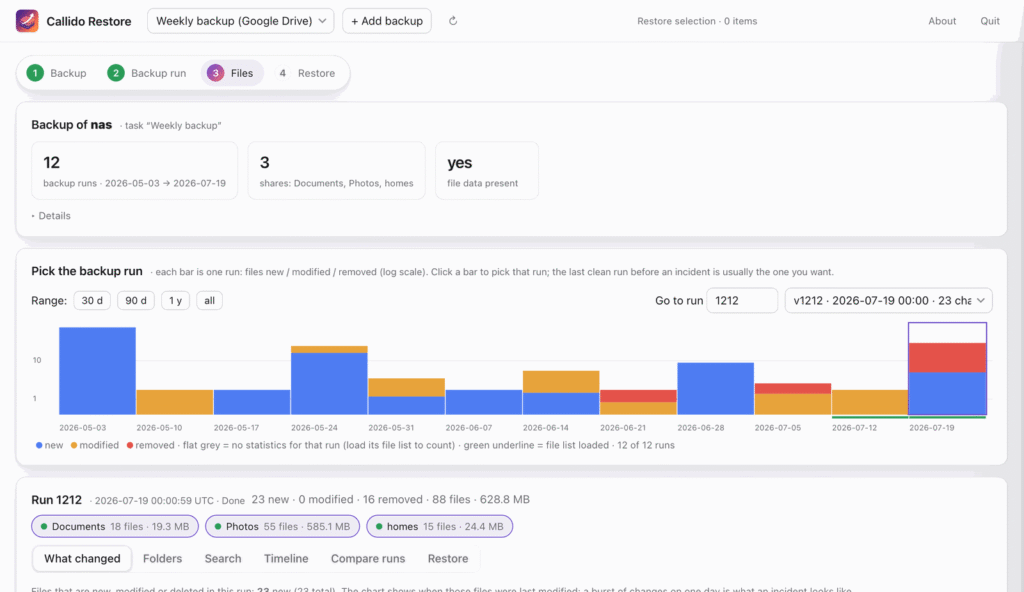
Open a Synology Hyper Backup without Hyper Backup and without a working NAS. Find the last clean run, see what changed, restore what you need. Free for macOS and Windows.

Every Dutch mortgage rate, read from the lenders’ own rate sheets. 57 lenders, checked daily, every number traceable to the document it came from.

A postcode and a house number in, and what is publicly known about that address comes back: water, foundation, energy, subsidence, earthquakes — each block with its own source.
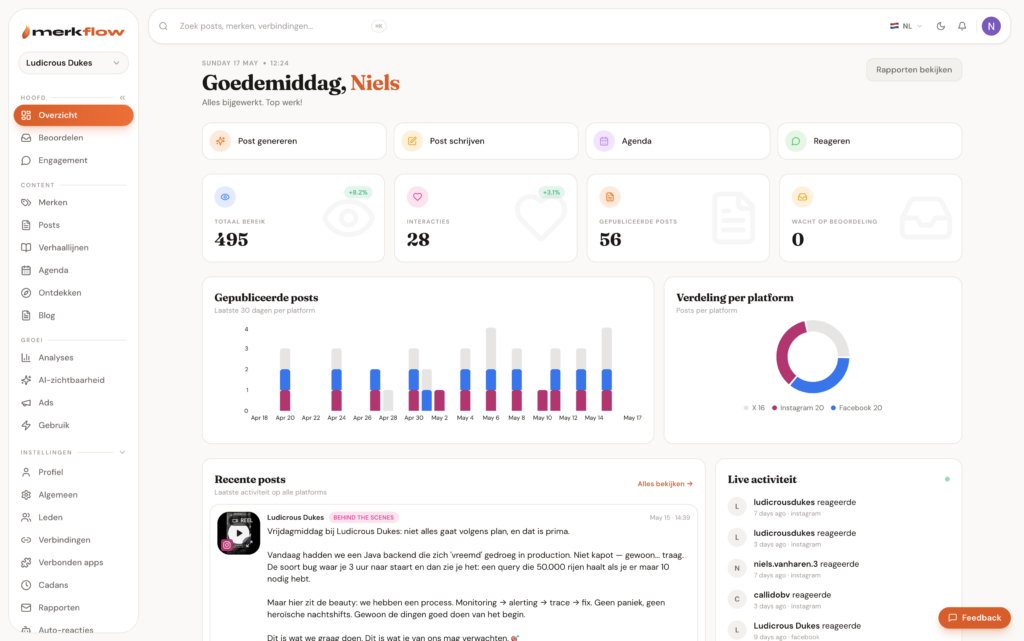
Your brand, in motion. An AI brand intelligence engine callido designed and built — on-brand social, ten minutes a week.
We use analytics cookies to see how this site is used — nothing else. Learn more